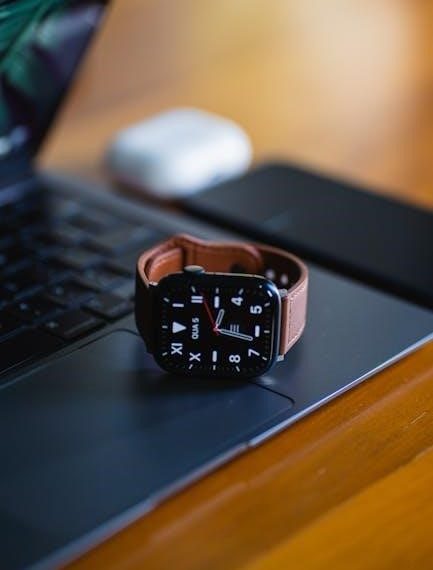
apple watch size guide
Apple Watch Size Guide: Finding the Perfect Fit (Updated 2026)
Navigating Apple Watch sizes can be tricky! This guide simplifies choosing the ideal fit, considering wrist size and model differences like the Series 10 and SE.
Visual aids and comparisons are key!
Choosing the right Apple Watch size is crucial for both comfort and functionality. Apple Watches aren’t one-size-fits-all; they come in various case sizes designed to accommodate different wrist sizes and user preferences. Historically, sizes have evolved, starting with 38mm and 42mm, then progressing through 40mm, 44mm, 41mm, and 45mm options, with the Ultra model introducing even larger dimensions.
Understanding these sizes isn’t just about aesthetics. The case size directly impacts the display area, influencing how easily you can read notifications, use apps, and view complications. Larger displays are generally preferred by those who want more screen real estate, while smaller sizes may be more comfortable for individuals with smaller wrists.
This guide will delve into the specifics of each size, comparing models like the Series 10 and SE, and providing practical advice on measuring your wrist to ensure a perfect fit. We’ll also explore band compatibility and how case size can affect the overall user experience, particularly regarding activity tracking and feature accessibility. Finding the right size enhances usability and overall satisfaction.
Understanding Apple Watch Case Sizes
Apple Watch case sizes refer to the physical dimensions of the watch body, measured in millimeters (mm). These sizes dictate the display area and overall watch footprint on your wrist. Current options primarily include 41mm and 45mm for standard models like the Series 10, and 40mm and 44mm for the Apple Watch SE. The Apple Watch Ultra boasts a significantly larger 49mm case.
It’s important to note that the case size doesn’t directly correlate to the band size. Bands are generally interchangeable across compatible case sizes, but the watch body itself determines the visual proportion on your wrist. A larger case offers a bigger, brighter display, potentially easier interaction, but might feel bulky on a smaller wrist.
Historically, Apple offered 38mm and 42mm cases in earlier models (Series 7 comparisons highlight this evolution). Understanding this progression helps appreciate the current size options. Printable size guides, as found online, can visually demonstrate the differences, aiding in a more informed decision. Choosing the right case size balances aesthetics, usability, and personal comfort.
Apple Watch Series 10 Case Size Options
The Apple Watch Series 10 is anticipated to continue offering two primary case sizes: 41mm and 45mm. These dimensions represent the diagonal measurement of the watch case itself. The 41mm model is ideal for individuals with smaller wrists or those preferring a more discreet profile, while the 45mm caters to those desiring a larger display and a bolder aesthetic.
Compared to the Series 7, the Series 10 maintains these size options, representing a refinement of the established design. While specific details regarding display area increases are yet to be confirmed for the Series 10, it’s expected to build upon the advancements made in previous generations. The larger case provides more screen real estate for complications, apps, and notifications.
Choosing between the two sizes often comes down to personal preference and wrist size. Consider how you intend to use the watch – frequent activity tracking or detailed app interaction might benefit from the larger display of the 45mm model. Ultimately, trying on both sizes, if possible, is the best way to determine the optimal fit for your lifestyle.
Comparing 45mm vs 41mm Apple Watch
The key difference between the 45mm and 41mm Apple Watch lies in their display size and overall footprint. The 45mm boasts a significantly larger screen area – approximately 20% more – providing more space for complications, app content, and easier interaction. This makes it preferable for users who frequently check notifications or utilize apps directly on their watch.
Weight-wise, the 45mm is slightly heavier, though the difference is generally minimal and unlikely to be noticeable for most users during everyday wear. The larger size also impacts band compatibility; while bands are generally interchangeable, the aesthetic balance differs between the two case sizes.
For those with smaller wrists, the 41mm offers a more comfortable and proportionate fit. Conversely, individuals with larger wrists may find the 45mm more visually appealing and easier to read. Consider your visual preferences and how you intend to use the watch when making your decision. A printable size guide can help visualize the difference!
Apple Watch SE Size Comparison: 40mm vs 44mm
The Apple Watch SE, while offering a more affordable entry point, still presents a size choice: 40mm and 44mm. The 44mm model provides a noticeably larger display, offering more screen real estate for viewing notifications, workout metrics, and app interfaces. This can be particularly beneficial for users who prefer a clearer, more spacious visual experience.
Despite the size difference, both models share the same core functionality and features. The 44mm’s larger size translates to a slightly increased weight, but it remains comfortable for most wrist sizes. Band compatibility is consistent across both SE sizes, allowing for easy customization.
Choosing between the two often comes down to personal preference and wrist size. Individuals with smaller wrists might find the 40mm more comfortable and aesthetically pleasing, while those with larger wrists may appreciate the enhanced visibility of the 44mm. Consider viewing a comparison to determine which size best suits your needs and style.
Wrist Size and Apple Watch Selection
Selecting the right Apple Watch size isn’t just about aesthetics; it’s fundamentally linked to wrist size and comfort. A watch that’s too large can feel bulky and awkward, while one that’s too small might appear disproportionate and be difficult to read. Accurate measurement is crucial for a satisfying experience.
Generally, smaller wrists (under 6 inches) are better suited to the 41mm or 40mm models, offering a balanced and comfortable fit. Medium wrists (6-7 inches) can comfortably accommodate both 41mm/40mm and 45mm/44mm sizes, allowing for a preference-based choice. Larger wrists (7 inches and above) typically benefit from the larger 45mm or 44mm options, providing a more substantial and visually appealing presence.
However, these are merely guidelines. Personal preference plays a significant role. Some individuals with smaller wrists may prefer the look of a larger watch, while others with larger wrists might prioritize a more discreet profile. Consider trying on different sizes to determine what feels best on your wrist.
Measuring Your Wrist for an Apple Watch
Accurate wrist measurement is the cornerstone of finding the perfect Apple Watch fit. You’ll need a flexible measuring tape – a fabric one is ideal for comfort. Wrap the tape snugly, but not tightly, around your wrist bone. Ensure the tape is parallel to the floor for a precise reading.
Record the measurement in millimeters or inches. If using a ruler, mark the tape at the overlap point and then measure the distance. It’s best to have someone else assist you to ensure accuracy. Repeat the measurement a couple of times to confirm consistency.
Consider using a printable Apple Watch size guide (available online) as a visual aid. These guides often include cut-out templates representing different case sizes, allowing you to simulate the watch’s appearance on your wrist. Remember to account for how the watch will sit – not directly on the bone, but with a little space for comfort and movement. Don’t guess; precise measurement prevents buyer’s remorse!
Small Wrist Considerations (Under 6 inches)
For wrists under 6 inches, prioritizing comfort and proportion is crucial. Larger Apple Watch sizes – particularly the 45mm or 44mm – can appear bulky and feel unwieldy. The 41mm case size is generally the most suitable option, offering a balanced aesthetic without overwhelming the wrist.
The Apple Watch SE, available in 40mm, is an excellent choice for smaller wrists. Its smaller profile ensures a comfortable and secure fit during daily activities and workouts. Consider the band as well; slimmer bands will complement a smaller watch and wrist size more effectively;
Visual comparison is key. Utilize online resources and printable size guides to visualize how different case sizes will look on a smaller wrist. Pay attention to how the watch sits relative to your hand and whether it feels balanced. Avoid sizes that extend significantly beyond the width of your wrist, as this can cause discomfort and hinder movement. Prioritize a snug, yet comfortable, fit.
Medium Wrist Considerations (6-7 inches)
Individuals with wrists measuring between 6 and 7 inches have more flexibility in choosing an Apple Watch size. Both the 41mm and 45mm cases can work well, depending on personal preference and desired aesthetic. The 41mm offers a classic, understated look, while the 45mm provides a larger display area for enhanced visibility and usability.
For those prioritizing a balance between screen size and comfort, the 41mm is a solid choice. It’s suitable for all-day wear and won’t feel overly large during activities. However, if you frequently use apps that benefit from a larger screen – like maps or messaging – the 45mm might be preferable.
Consider the Apple Watch SE options as well. The 40mm SE is a good fit, and the 44mm provides a slightly larger display without being overwhelming. Experiment with different band styles to find what complements your wrist size and personal style. Ultimately, the best size is the one that feels most comfortable and looks proportionate on your wrist.
Large Wrist Considerations (7+ inches)
For wrists measuring 7 inches or greater, the 45mm Apple Watch case is generally the recommended starting point. Smaller sizes can appear disproportionately small on a larger wrist, impacting both aesthetics and usability. The larger display of the 45mm provides ample screen real estate for comfortable viewing of notifications, apps, and workout data.
If you prefer a more substantial presence and prioritize maximum screen size, consider the Apple Watch Ultra. Its larger case is specifically designed for those with larger wrists and offers enhanced durability and features. However, the Ultra’s size may not be ideal for all-day wear for everyone.
When exploring the Apple Watch SE, the 44mm model is the better choice for larger wrists. It provides a more balanced look than the 40mm version. Remember that band selection is crucial; wider bands will complement a larger wrist and the larger watch case more effectively. Prioritize comfort and ensure the watch doesn’t feel cramped or restrictive during movement.
Apple Watch Ultra Size and Fit
The Apple Watch Ultra boasts a substantial 49mm titanium case, designed for adventurers and those seeking maximum durability. This size is significantly larger than any other Apple Watch model, making it ideal for larger wrists (7 inches and above) but potentially overwhelming for smaller frames.
Fit is paramount with the Ultra. While the titanium build is lightweight for its size, the watch’s overall dimensions require consideration. The larger Digital Crown and side button are designed for use with gloves, but also contribute to the watch’s bulk.
Band compatibility is unique to the Ultra, utilizing a different attachment system than standard Apple Watches. Specialized bands are designed to accommodate the larger case and provide a secure fit during rigorous activities. It’s crucial to try on the Ultra with various bands to ensure optimal comfort and stability. The Ultra’s size isn’t just about aesthetics; it’s about functionality and robustness for demanding environments.
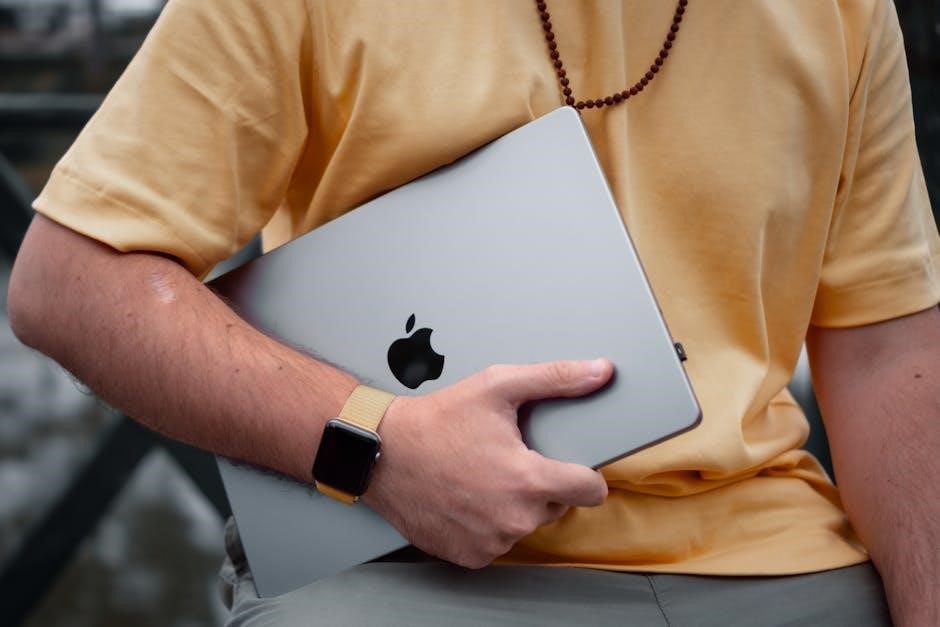
Apple Watch Band Compatibility Across Sizes
Understanding band compatibility is crucial when investing in an Apple Watch. While Apple has streamlined the system, nuances exist. Generally, bands designed for the 41mm and 45mm cases are interchangeable, offering flexibility in style choices.
However, the Apple Watch Ultra utilizes a different band attachment system. Ultra bands are not compatible with smaller Apple Watch models. This is due to the Ultra’s larger case size and specialized design for rugged use. Attempting to force a standard band onto an Ultra will likely cause damage.
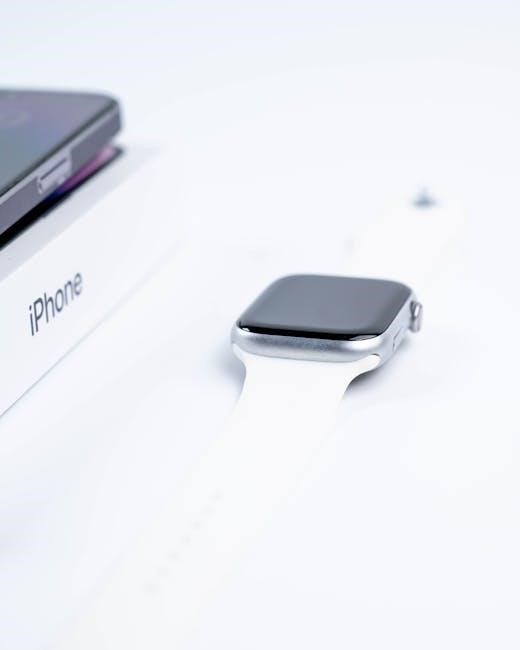
Older Apple Watch bands (38mm, 42mm) are not compatible with any of the current generation models (40mm, 41mm, 44mm, 45mm, 49mm). When purchasing bands, always verify the compatibility with your specific Apple Watch model. Third-party bands often specify compatible case sizes, ensuring a secure and proper fit. Prioritizing compatibility prevents frustration and protects your investment.
Visual Comparison: Printable Apple Watch Size Guide
Determining the right Apple Watch size often benefits from a visual aid. A printable size guide allows you to physically compare case dimensions to your wrist, offering a more intuitive understanding than measurements alone.
Several resources online offer downloadable templates. These templates typically include outlines of the 41mm, 45mm, and 49mm (Ultra) cases, allowing you to print them to scale. Cut out the outlines and place them on your wrist to visualize how each size will look and feel.
Consider the display area alongside the case size. While a larger case provides a bigger screen, it also impacts comfort. The printable guide helps assess this balance. Remember that older models like the 38mm and 42mm are now discontinued, so focus on current size comparisons. Utilizing a visual guide significantly reduces the risk of selecting a size that feels too bulky or too small, ensuring a comfortable and stylish fit.
Apple Watch Size and Display Area
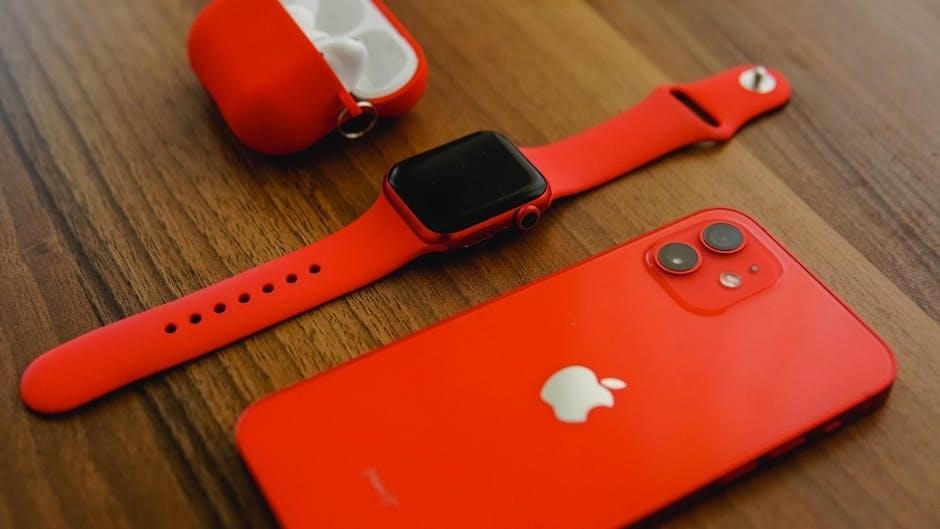
The Apple Watch case size directly correlates with the display area, impacting readability and usability. A larger case accommodates a larger, more immersive screen, beneficial for viewing photos, messages, and workout metrics.
For example, the 45mm Apple Watch Series 10 offers a noticeably larger display than the 41mm model. This extra screen real estate enhances the experience, particularly for those who frequently use complications or detailed apps. However, it’s a trade-off with overall watch size and weight.
The Ultra models, with their 49mm cases, maximize display area for optimal visibility during activities. Consider how you intend to use your Apple Watch. If you prioritize quick glances at notifications, a smaller size might suffice. If you want a richer, more detailed experience, especially for fitness tracking or using apps, a larger display is advantageous. Ultimately, balancing display size with comfort is key to finding the perfect fit.
Weight Differences Between Apple Watch Sizes
The weight of an Apple Watch is a crucial factor for all-day comfort, and it varies significantly between case sizes and materials. While the difference might seem small on paper, it becomes noticeable during extended wear, especially during workouts or sleep.
Generally, larger case sizes (45mm, 49mm) weigh more than their smaller counterparts (41mm, 40mm). Aluminum models are the lightest, followed by stainless steel, and then titanium (found in the Ultra models) which, despite its strength, adds considerable weight.
For individuals with smaller wrists or those sensitive to weight, opting for a smaller case size and an aluminum finish is recommended. Conversely, those who prefer a more substantial feel or prioritize durability might favor a larger size and a heavier material. Consider your activity level and personal preference when evaluating these weight differences. A heavier watch can feel secure during intense exercise, but may be less comfortable for everyday wear.
Apple Watch Series 7 vs Series 10 Size Differences
While the Apple Watch Series 10 doesn’t represent a radical size overhaul compared to the Series 7, subtle yet important distinctions exist. The Series 7 introduced slightly larger display sizes – 41mm and 45mm – replacing the previous 40mm and 44mm options. The Series 10 maintains these case size options.
The primary difference isn’t in the overall dimensions, but in maximizing display area within those sizes. Apple refined the borders on the Series 10, resulting in a marginally larger and more immersive viewing experience despite the identical case measurements. This means more content is visible at a glance.
For those upgrading from a Series 7, existing bands will remain compatible. However, the slightly refined design and potentially different curvature of the Series 10 might alter the band fit subtly. The weight remains comparable, but the Series 10’s improved display technology contributes to a more modern and visually appealing aesthetic within the familiar size framework.
Impact of Case Size on Features
The Apple Watch case size significantly impacts the user experience, extending beyond mere aesthetics. Larger case sizes, like the 45mm, offer a more expansive display, ideal for viewing detailed workout metrics, notifications, and complications without excessive scrolling. This is particularly beneficial for activity tracking and quick glances during exercise.
Conversely, smaller 41mm (or older 40mm/44mm) cases prioritize comfort and a lighter feel, making them suitable for all-day wear and smaller wrists. While the display is smaller, the functionality remains identical – all apps and features are accessible on both sizes.
Battery life isn’t directly tied to case size, but larger models may accommodate slightly larger batteries, potentially offering marginally longer runtimes. However, usage patterns have a greater influence. Ultimately, the case size dictates screen real estate and perceived weight, influencing how seamlessly the Apple Watch integrates into your daily life and supports your chosen activities.
Choosing the Right Size for Activity Tracking
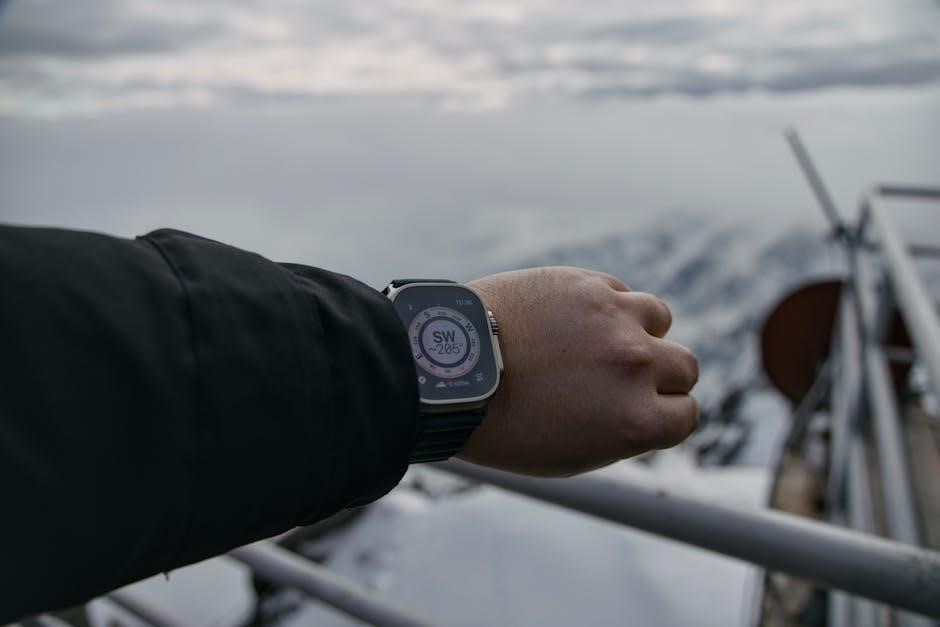
For dedicated activity tracking, the Apple Watch case size plays a crucial role in usability. A larger display, found in 45mm or 44mm models, provides clearer, more immediate access to workout data – pace, heart rate zones, and lap times – without constant wrist adjustments. This is especially valuable during high-intensity activities like running or cycling.
However, comfort is paramount. If the watch feels bulky or restrictive during movement, it can detract from your workout. Individuals with smaller wrists might find a 41mm or 40mm case more comfortable and less distracting, even if it means slightly more scrolling.
Consider the type of activity. For swimming or gym workouts, a snug, secure fit is essential, and a smaller size might be preferable. For outdoor activities requiring frequent glances at data, a larger display offers enhanced visibility. Ultimately, prioritize a size that balances readability with comfort to maximize your tracking experience.
Where to Buy and Get Fitted for an Apple Watch
Apple Watches are widely available through several channels, offering varying levels of fitting assistance. The official Apple Store (online and physical locations) provides the most comprehensive experience. Knowledgeable staff can guide you through size options, demonstrate features, and assist with band selection.
Authorized Apple Resellers, such as Best Buy and Target, also stock Apple Watches. While fitting services may be limited, sales associates can offer basic guidance. Carrier stores (Verizon, AT&T, etc.) often carry specific models, particularly those with cellular connectivity.
For a personalized fitting, scheduling an appointment at an Apple Store is recommended. They can measure your wrist and help you compare different sizes directly. Online purchases allow returns if the initial size isn’t ideal. Remember to check for promotions and financing options when purchasing, and consider AppleCare+ for added protection.